
Rapidly Download Manager
A free download manager for Windows that measures your connection live, never loses progress and checks every file at the end. No account, no tracking.
- Type
- Desktop APP
- Made by
- LankaNova Digital Soluions
- Year
- 2026
The problem
Most download managers promise a big speed number and then lose the file when the power goes or the connection drops. Many also ask for an account, show ads, or send information about what you download.
What we built
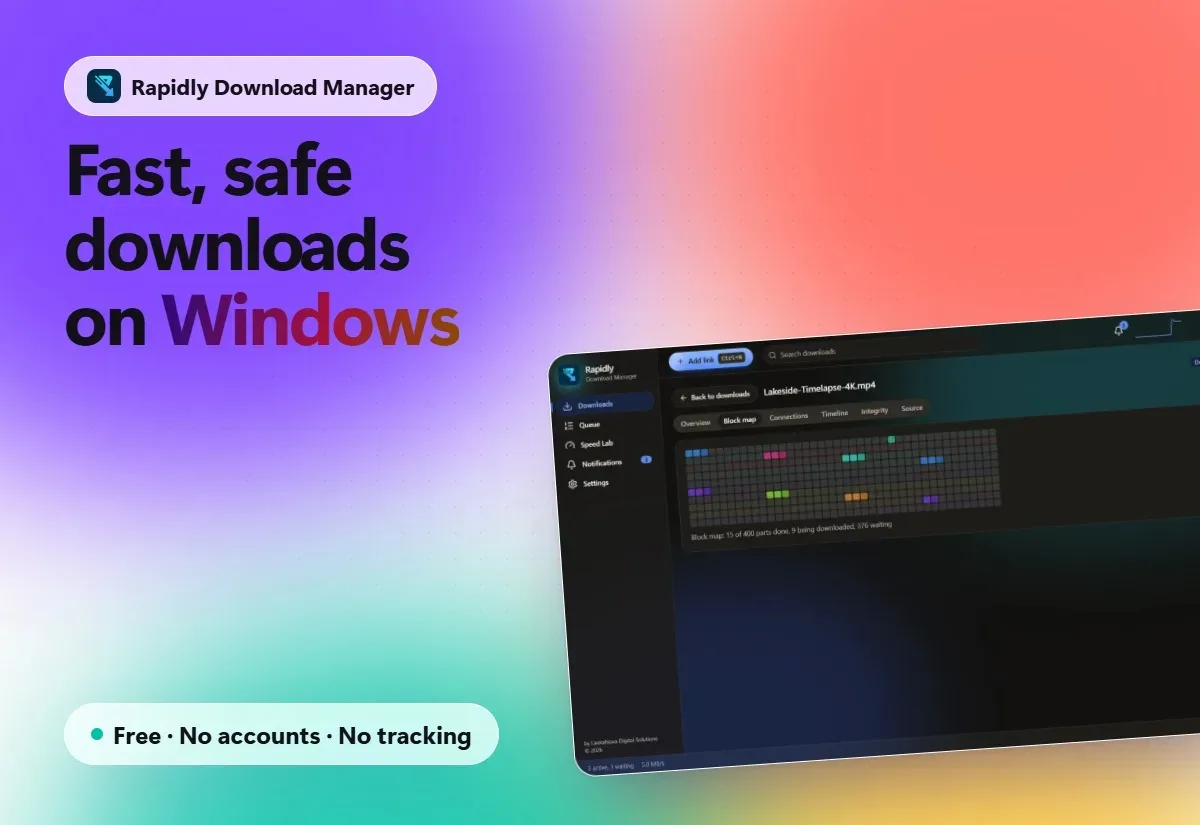
Rapidly Download Manager is a free app for Windows 10 and 11. Before it downloads, it asks the server whether the file can be fetched in several pieces. It then adds connections only while they really make the download faster, and backs off when they stop helping. When one connection finishes early it takes over half of the biggest part that is still left, so the last piece never waits on one slow connection.
Every step is written to a journal only after the data is safely on the disk, so a crash or a power cut never costs a download. When a file finishes, Rapidly checks it, and it is called complete only when it is proven complete. If the file on the server changed while you were away, Rapidly keeps your partial file aside instead of mixing two versions.
Speed Lab downloads the same file once with a single connection and once with Rapidly's method, for equal amounts of time, and shows both side by side with what limited the speed: your link, the server, the disk or the processor. We never promise a number, because every connection and every server is different. If Rapidly does not help on your connection, Speed Lab says so.
Privacy by design
There are no accounts and no tracking. Rapidly sends no file names, no links and no identifier about you. The only things it asks the internet for are the newest version and news from us, and you can switch both off. The Privacy page on the website lists every request word for word.
Updates you can trust
Each release has a signed description. The app checks the signature and the file's SHA-512 before it installs anything.
Also included
Pause and resume, schedules and bandwidth windows, a browser extension for Chrome and Edge, batch links, clipboard capture (off until you switch it on), a Notification Center with quiet hours, a tray and a mini mode, and light and dark themes.
Where it is now
Version 1.0.0 release candidate is available to download at rapidly.lankanova.online. The installer is not code-signed yet, so Windows SmartScreen may show a warning once; the website shows the SHA-512 so you can check the file first.
 Next projectICTHUB LK